

Registration Options
We offer two simple options for signing up: Email/Password or Discord.Option 1: Email & Password
This method is recommended if you prefer using a traditional login.
Steps
Steps
- Go to the Sign Up Page(https://dashboard.quantumproxies.com/signup).
- Enter your email address and secure password.
- Confirm your email address by clicking the verification link sent to your inbox.
- Log in with your credentials at Dashboard Login https://dashboard.quantumproxies.com/login).
Benefits
Benefits
- Standard and secure login method.
- Easy recovery via email if you forget your password.
- Suitable for business accounts that require multiple team members.
Option 2: Discord login
This method is perfect if you already use Discord and want a one-click login.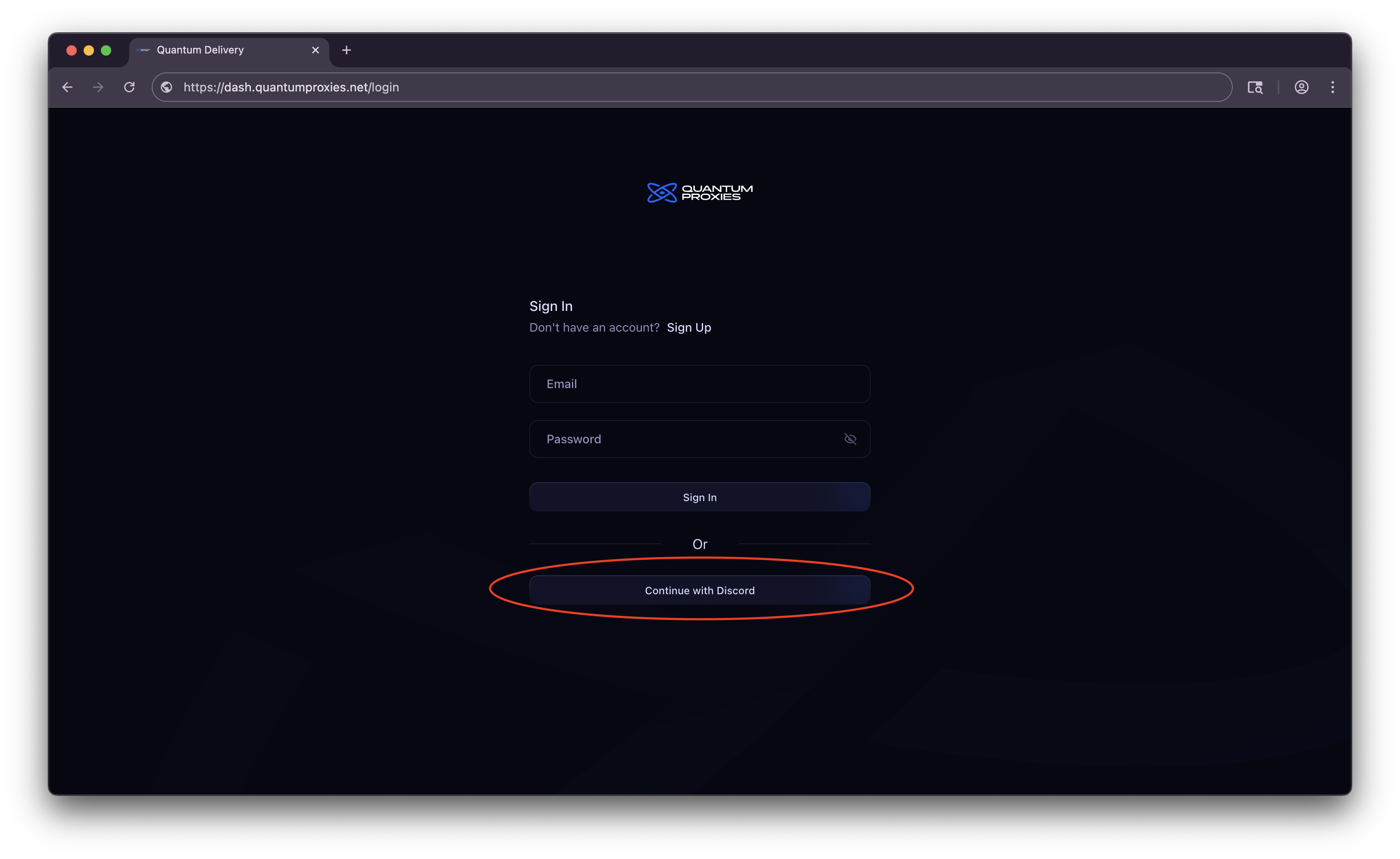
Steps
Steps
- Click Continue with Discord on the Sign Up Page (https://dash.quantumproxies.com/login).
- You’ll be redirected to Discord’s OAuth page.
- Authorize Quantum Proxies to access your Discord account (we only request minimal details to authenticate you).
- Once authorized, you’ll be redirected back to the dashboard and your account will be created automatically.
Benefits
Benefits
- Quick sign-in with no password to remember.
- Secure authentication handled directly by Discord.
- Perfect for users who want to manage their proxies alongside their Discord bot usage.
Switching Between Login Methods
If you signed up with Email/Password, you can later connect your Discord account in Account Settings.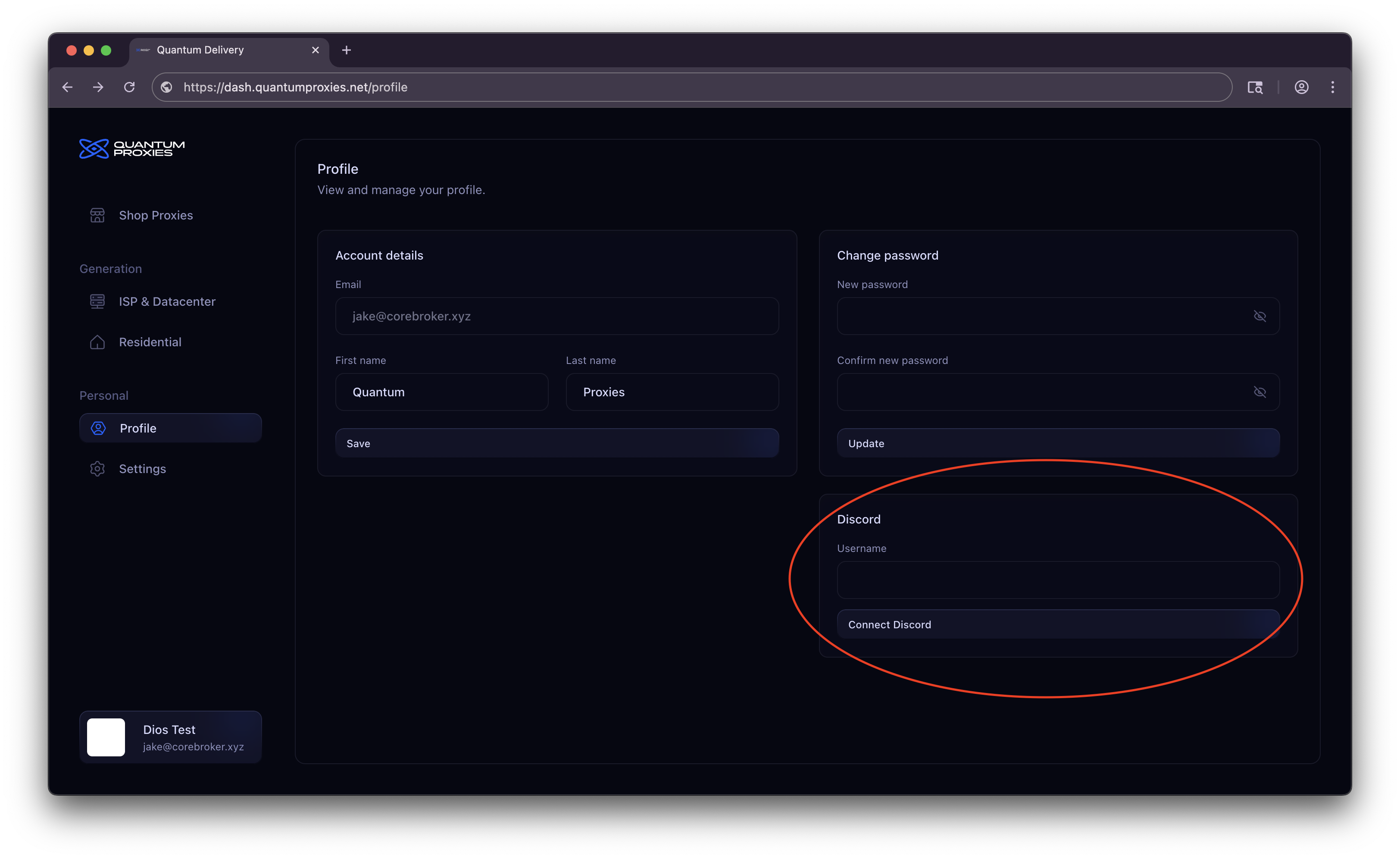
Next Steps
Buy & Generate Proxies
Need help? See our full documentation or join our community.